Redesign your yard before
you plant a thing
Upload a photo of your house, pick a style, get a professional landscaping design in seconds. Your house stays exactly the way it is.
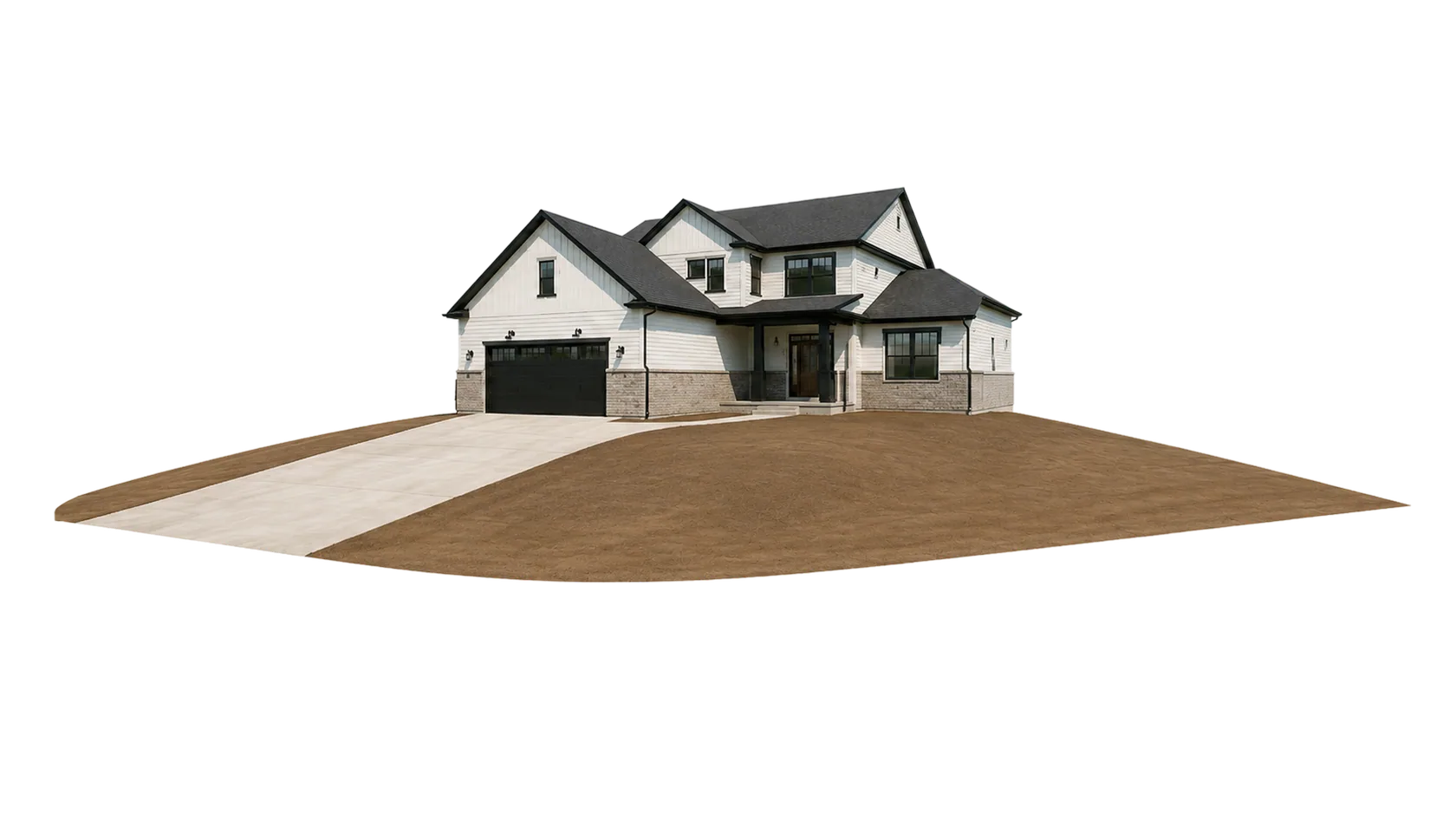
Real yards, redesigned with Landscaip.
Sample before/after pairs across styles. Hover any card to reveal the before.
Visualize your landscaping transformation with video.
Go beyond a still image. Watch the yard grow in.
Pick a before photo
Snap your current yard, or paste any listing photo. Raw, unstaged, no prep.
Choose an after
Select any generated design, or drop your own inspiration image. Two frames is all we need.
Get a transformation video
Our system interpolates a smooth reveal you can share with clients, HOA boards, or your group chat.
Move your mouse. Watch the yard transform.
A real render pair from our library. The “after” lives underneath — your cursor's growing field of vegetation peels back the before.
500+ plants, materials & fixtures — referenced into your design.
Filtered to your USDA hardiness zone. Browse by category, select specific species, and they become part of the prompt.
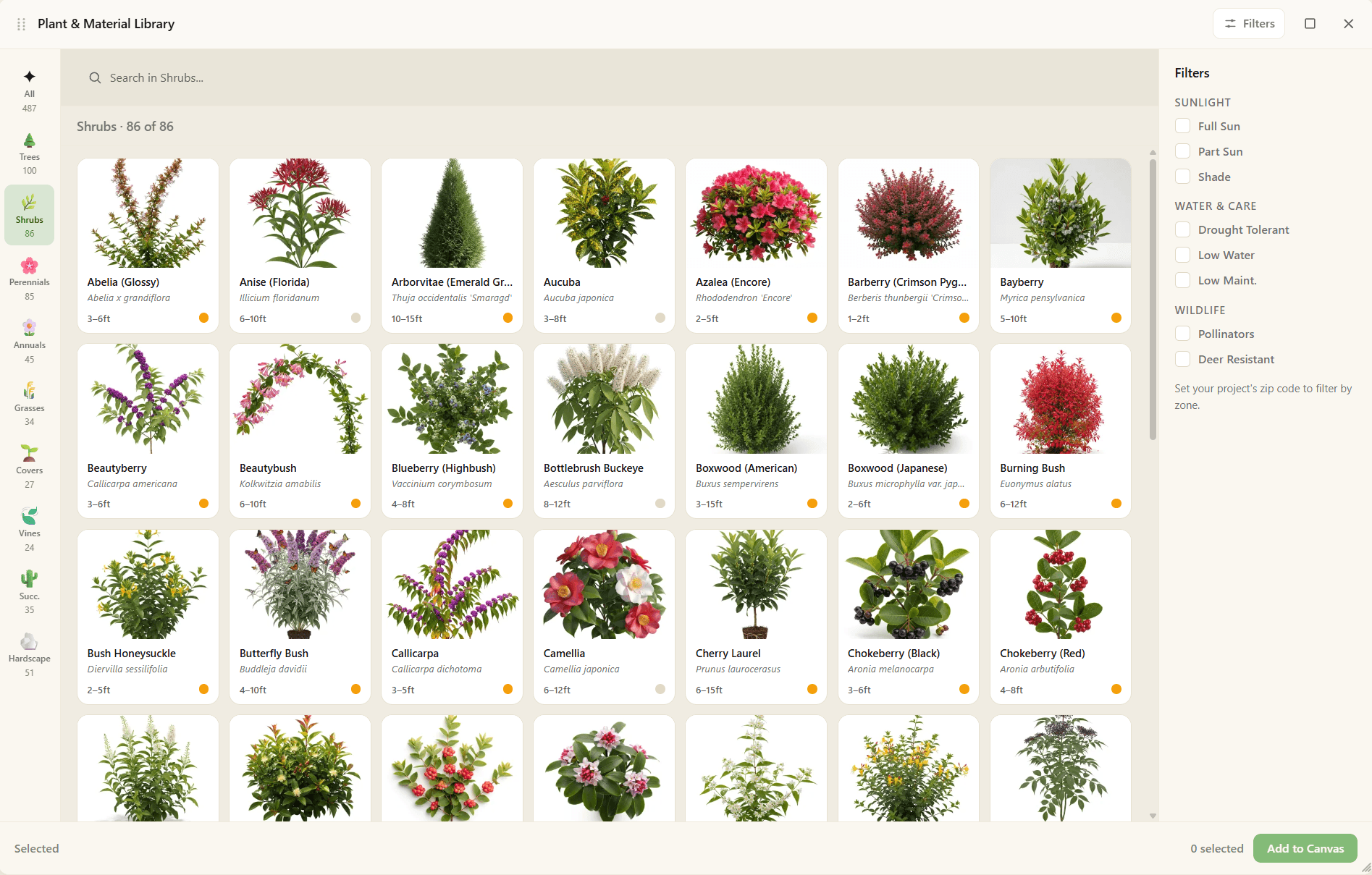


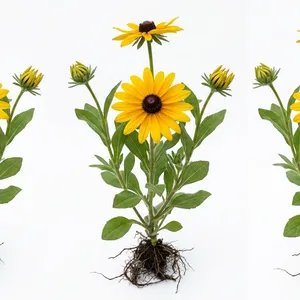




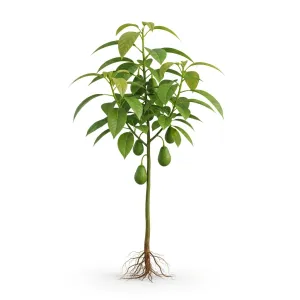
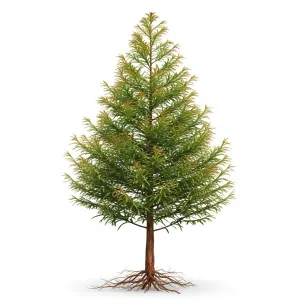

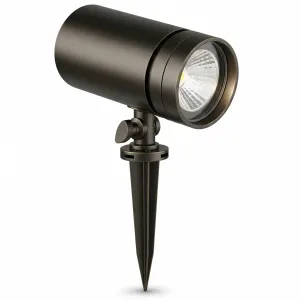
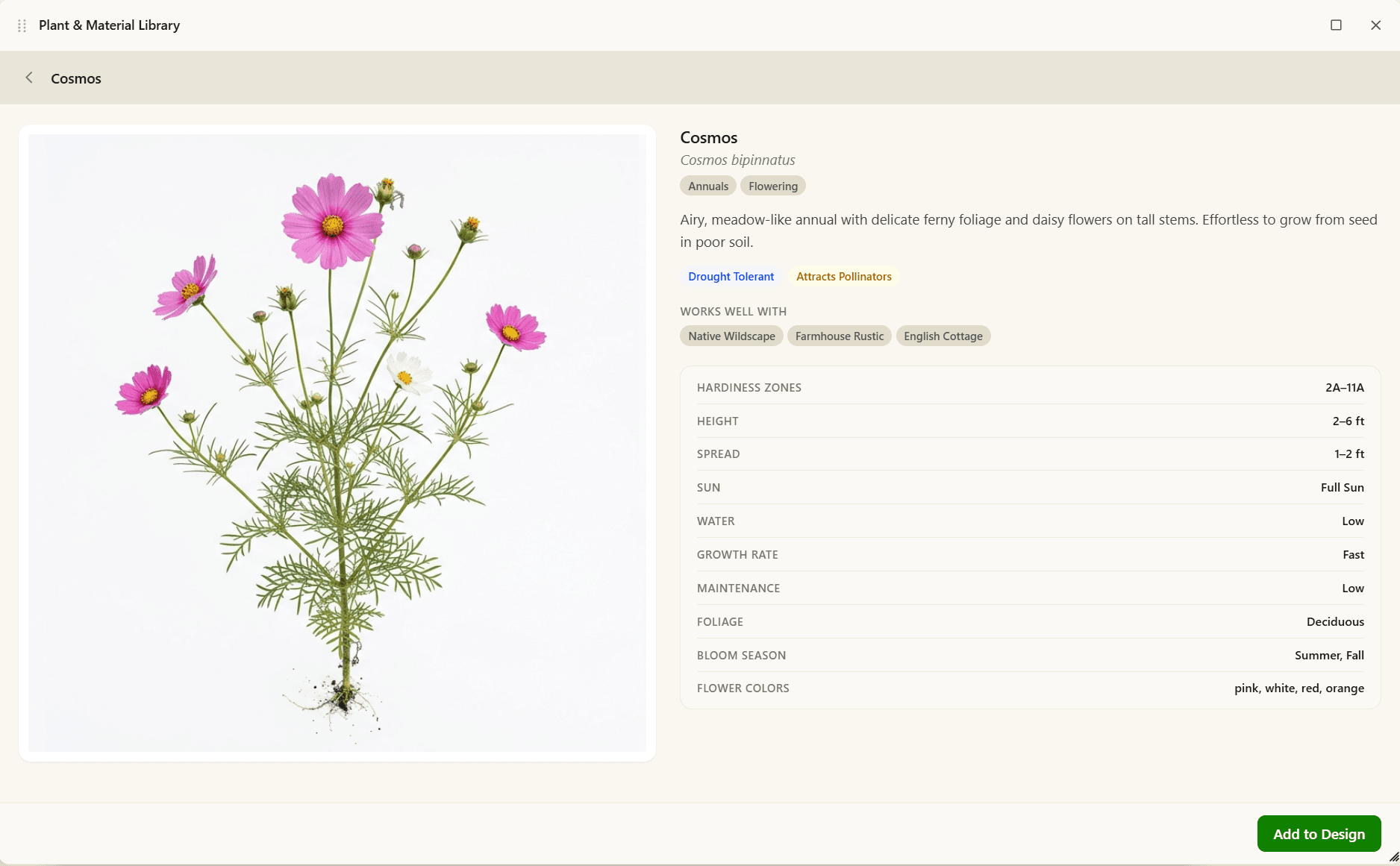
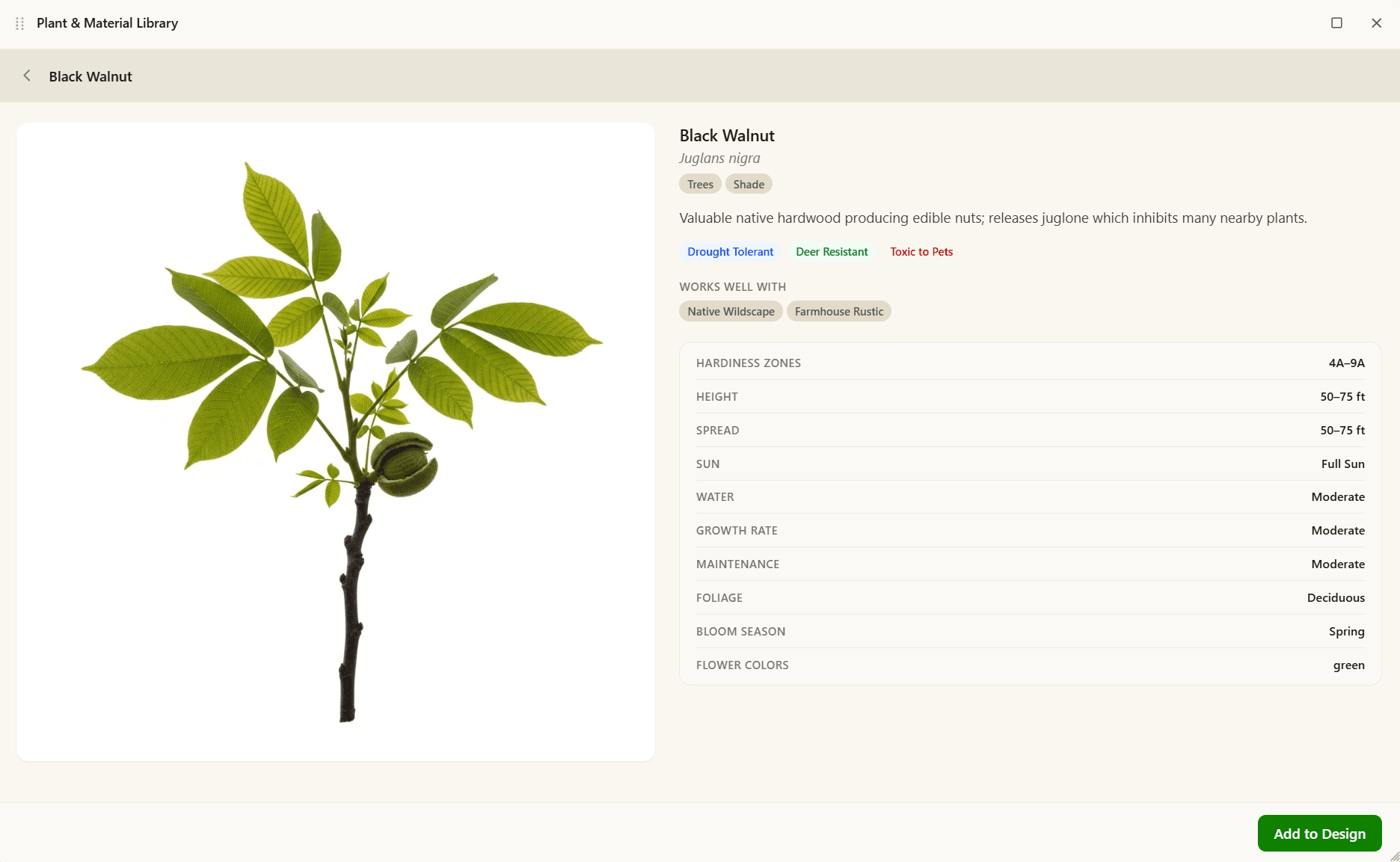
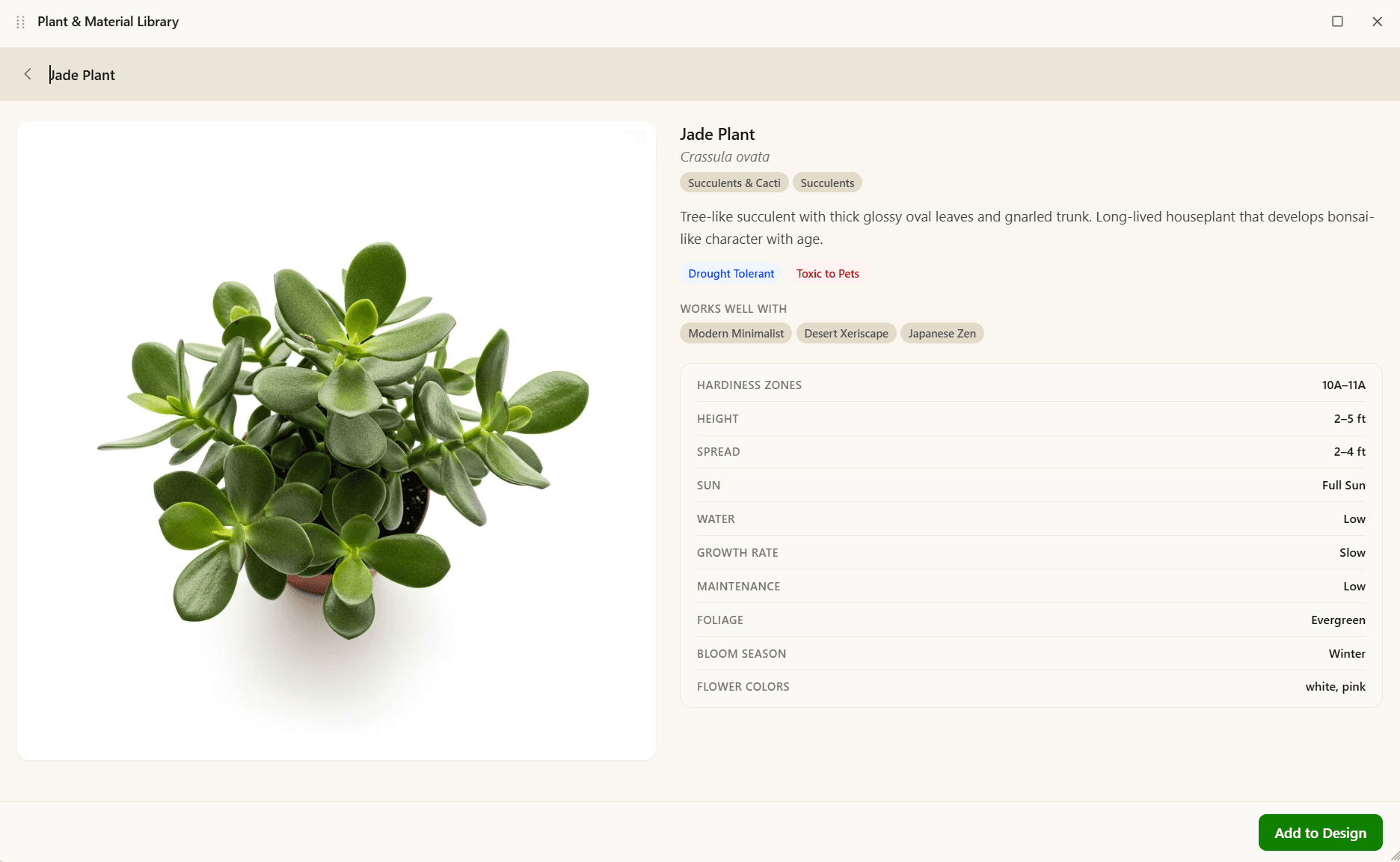
Know what you're planting before you buy it.
Every specimen in the library is tagged with its USDA hardiness zone range — so when you set your zone, you only see plants that will actually live where you live.
- Zone-filtered. Set your ZIP or zone once; the library hides anything that won't survive a winter there.
- Categorized. Trees, shrubs, perennials, groundcover, ornamental grasses, succulents, edibles, and hardscape — eight tabs to narrow what you're looking at.
- Reference, not decoration. The plants you select become part of the prompt the AI uses to render your design.
From phone photo to planted yard, in three steps.
No measuring, no plant-naming, no 3-D software. Snap, style, refine.
- 01
Upload & generate
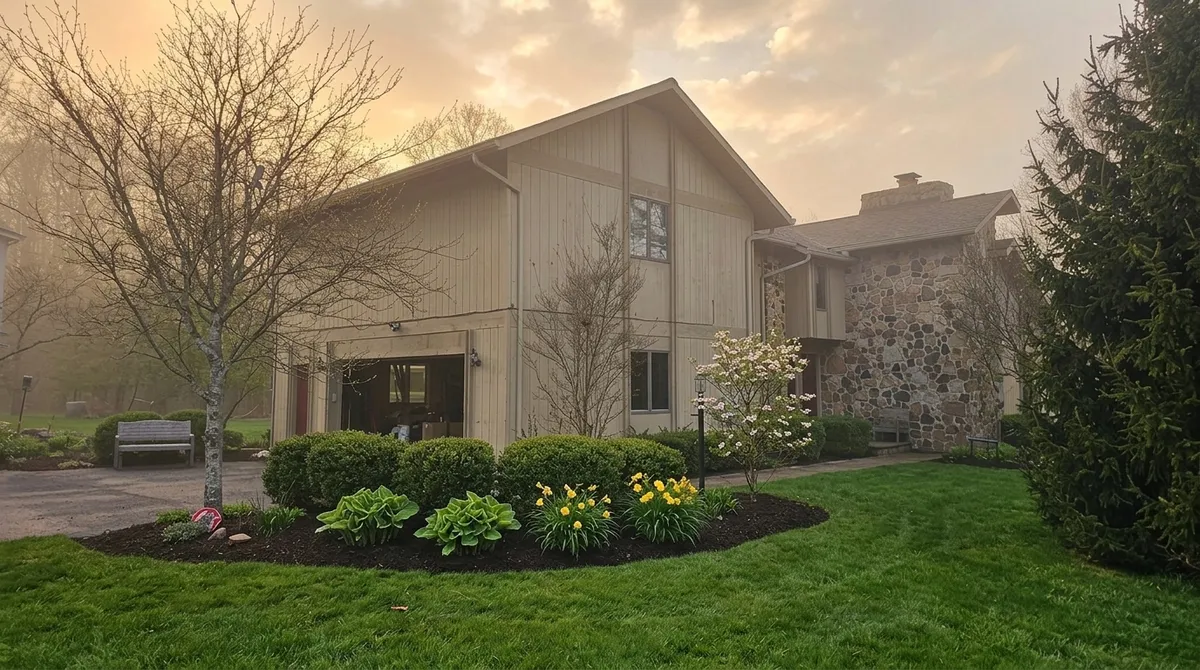
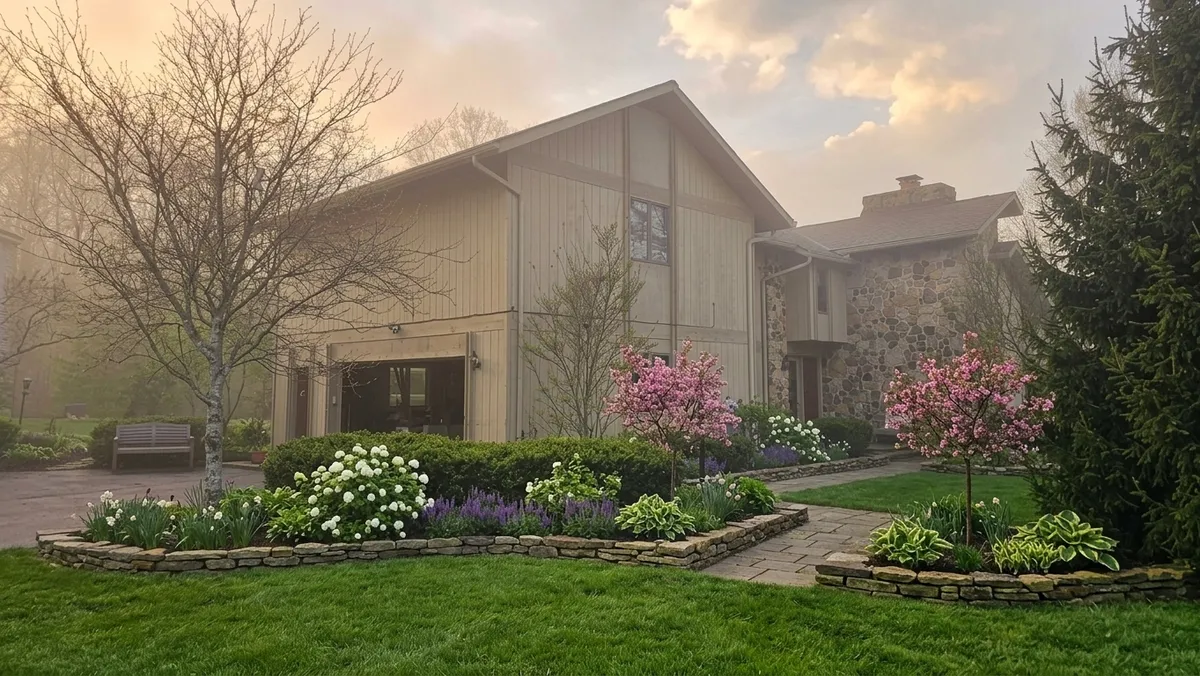
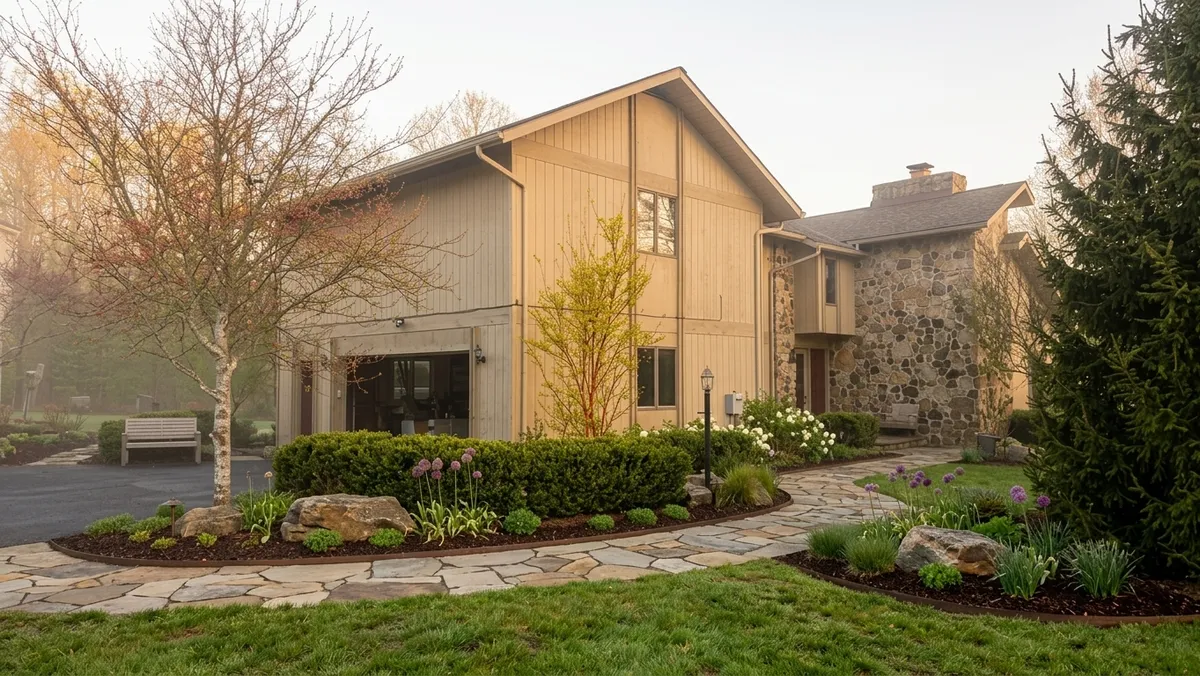
Upload any photo of your yard and get three ready-to-build concepts — Budget-Friendly, Intermediate, and Premium.
- 02
Edit any detail with a prompt
Re-prompt to change one thing — “remove the tree and flowerbed” — and nothing else moves.
- 03
Optionally generate video
Turn any design into a cinematic before-and-after flythrough to share with clients or your group chat.

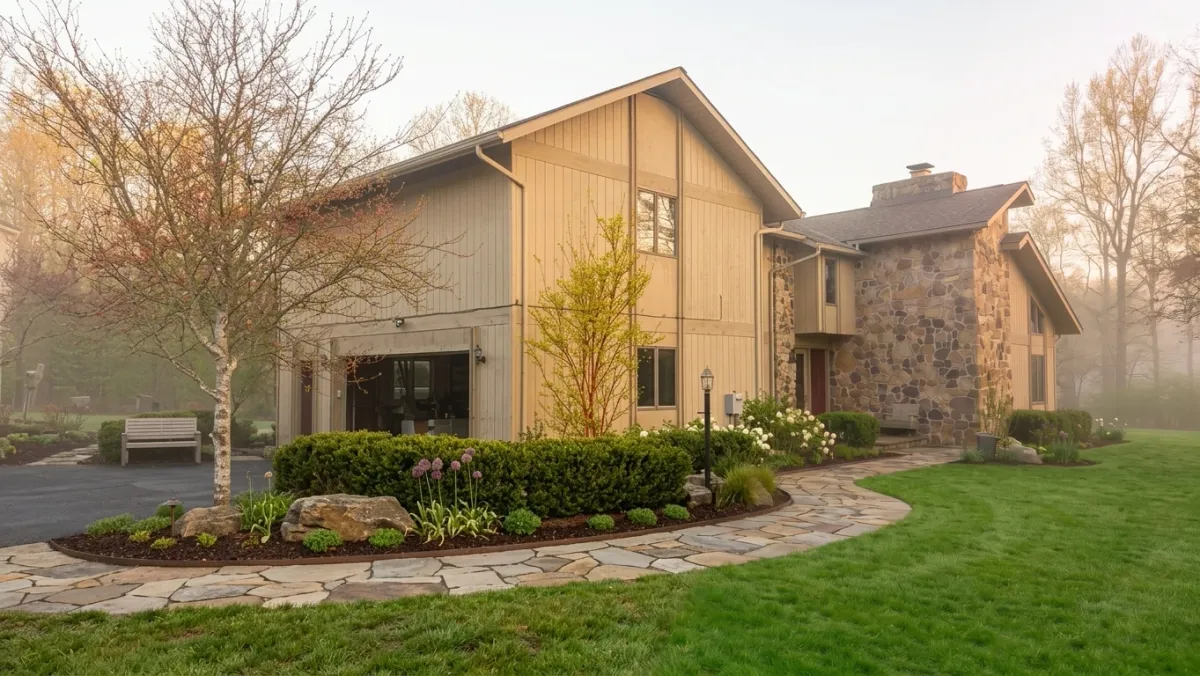
Whether you own it or design it for a living.
Design your yard on the couch.
See what your yard could look like before you spend a dollar at the nursery — or hire anyone.
- Zone-matched plant library — set your USDA hardiness zone once
- 16 style presets plus custom prompts for anything in between
- In-paint specific areas — swap a single tree, change one bed
- Generate a transformation video to share before you commit
Win the bid, then run the whole job.
Close warmer with photo-real AI designs — then handle estimates, payments, scheduling, and your crew without ever leaving Landscaip.
- Win more bids with photo-real AI designs in seconds
- Auto-build an itemized, priced estimate from the design
- Get e-signed approval and a deposit paid online
- Schedule the crew, track time, and invoice — all in one place
- Text & email clients from your own business number
- Replace your CRM, invoicing, scheduling & design tools with one login
Free to start. Pay only for what you use.
3 free designs on signup. After that, buy credits in any size — they never expire.
Starter
For one-yard redesigns and trying the tool.
- 3 design generations on signup
- Full plant & hardscape library (550+ items)
- In-painting + 16 style presets
- Shareable project links
Credit packs
Most popular
Pay only for what you use. Credits never expire.
- ~1 credit per design generation
- 8–32 credits per cinematic Veo video
- Volume discount up to 17% off
- Credits never expire
